
Classes
Available for Instant Download or at Skillshare.com
Color Recipes
Start thinking about color like food — both rely on the right ingredients in the right proportions! Learn five color recipes that’ll completely change how you look at color, taking the guesswork out of choosing color palettes.
Reviews
“Such an informative and fun class. Using the recipes analogy really helped me to understand the importance of using colors in differing proportions (creating a hierarchy) to create flow and interest in a design. I've previously struggled with creating color palettes in my designs but am now feeling excited to work through the lessons here and make progress!” — Jane Skirrow
“This is a perfect follow up class to color alchemy classes. Loved the analogies with cooking recipes and Kris' explanations how to make a palette work.” — Astrid Blanchard

Color Alchemy: A Hands-On Approach to Color Theory
In Color Alchemy, we’ll explore color theory in a fun, interactive way—mixing, experimenting, and discovering how colors interact. Through concise lessons, you’ll learn all the key ingredients for creating beautiful color palettes.
Whether you work in Illustrator, Photoshop, Procreate, or traditional media, this class will help you feel more comfortable working with color.
Reviews
“This class was superb. I love all of the step-by-step follow-along activities, and how to create and implement tones, shades, and complementary tones when building your color palette.” — Felicia Mallory
“This is the best explanation I have ever seen. Wow, thank you so much for a super clear and very easy way to understand this difficult topic..” — Christina Valentin
“ABSOLUTELY OUTSTANDING! Clear and concise and immensely valuable information and techniques. BRAVO.” — Ginny McKeown
Color Alchemy 2: Understanding RGB Color
There are crucial differences between working in CMYK vs RGB color. In this class, you’ll come to truly understand RGB, and learn how you can avoid common missteps when going from art on screen to printed product.
Reviews
“Kris makes everything easy to understand.” — Gail O’Brien
“Best explanation about color on screens!” — Katherine Papageorgiou
“The second class on color from a really good teacher with a lot of love to color. There are some really good exercises and i understood a lot much deeper.” — Susanne

Learn Everything About Making Repeat Patterns in Adobe Illustrator
Simply the best Illustrator Repeat Pattern class out there! I share EVERYTHING about pattern making in clear simple steps. We start with the basics, then advance to the best techniques for editing patterns and working with Illustrator’s Pattern Tool. Plus you’ll learn a foolproof method for exporting and proofing patterns to avoid those troublesome hairline breaks that sometimes crop up between your pattern tiles.
Reviews
“For me, this class is one of the best I have taken about pattern design. Ms. Ruff explained in details how patterns work, which will allow me to understand the process of pattern making and be better at troubleshooting. Highly recommended!”
— Linda Derivois
“What a fabulous class! I love how Kris distills a complicated program like Illustrator down into bite-sized pieces. Her explanation of the Pattern Making Tool will save me hours! Many thanks for this essential course!”
— Debra Gould
“This was an excellent class, especially explaining the Pattern Maker tool in Adobe Illustrator. Very clear, very simply presented.
— Sandra Seaman
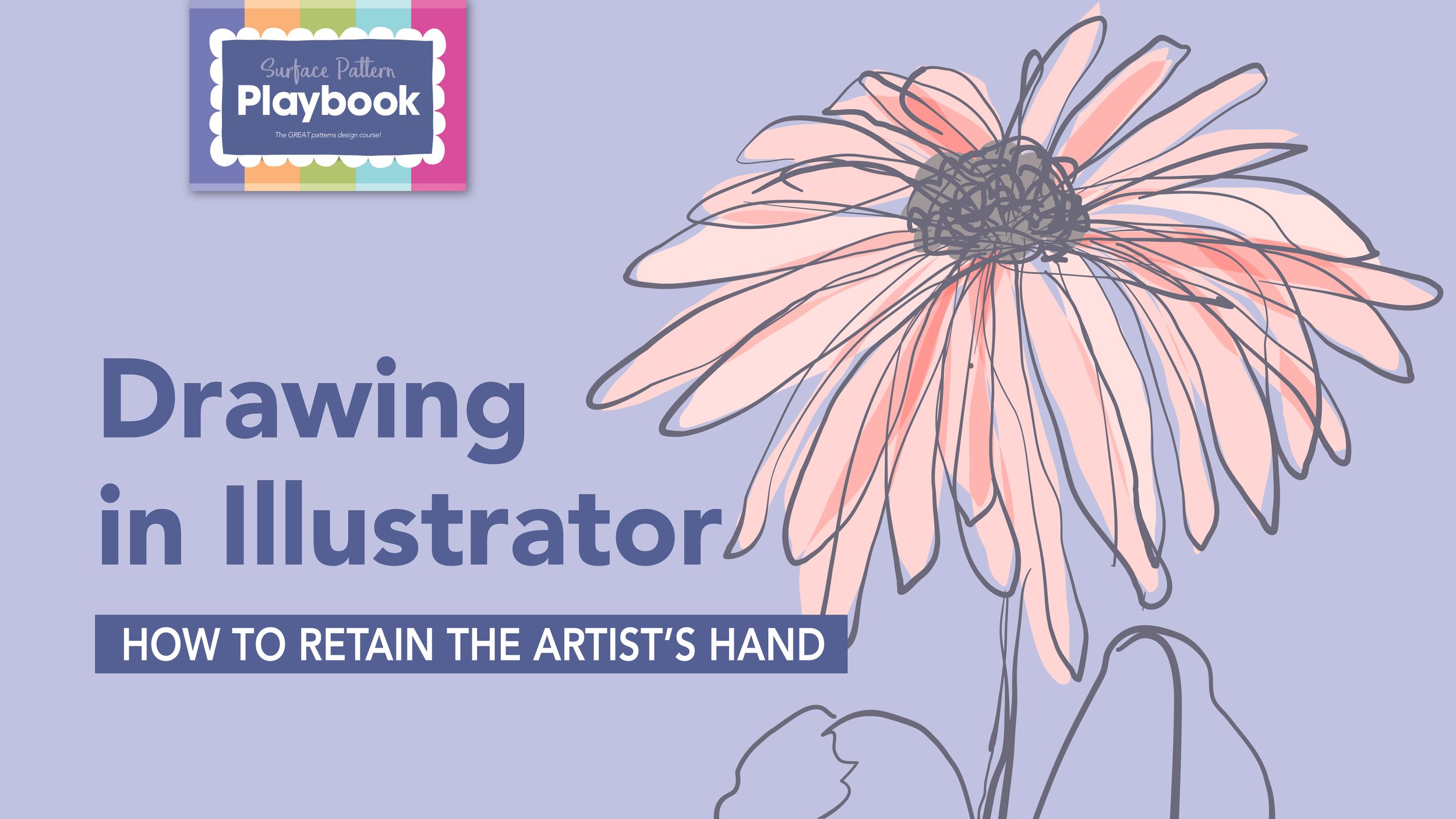
Drawing in Illustrator: How to Retain the Artist’s Hand
Discover the full potential of Adobe Illustrator’s drawing tools in this transformative class. Learn how to give your art a hand drawn feel, elevating it beyond the typical vector look. I’ll show you how to re-set the drawing tools so they’re more responsive, inspire you with lots of artist examples, and demonstrate workflows using the paintbrush and pencil tools to create digital art that better reflects your unique drawing style.
Reviews
“I can't recommend this course enough. So many new skills learnt in illustrator, learning things I didn't even know you could do there. Fantastic, recommend to anyone who uses illustrator. Thank you!”
— Jessica Dunne
“Perfect class, very inspiring and immediately actionable. Best part was it taught me a technique to apply to my personal workflow and my own signature style, rather than just teaching me something that ends up with me drawing like the teacher.”
— Julie Hachey

Fabulous Scribble Patterns!
I love a good scribble pattern, and they’re much easier to make than you might think. In this quick, fun class I’ll share all most secrets for making complex-looking patterns based on simple marks — basically scribbles in Adobe Illustrator.
Reviews
“What a fun class...turning scribbles into patterns!” — Carolina Diez
“Great set of instructions. Inspiring and informative ideas and suggestions. Endless variations to create. Brilliant colour advice and samples. Loved it.” — Nigel Hoare

The Professional Repeat: A Surface Designers’ Guide to Print Production
This class is a must-see for every surface designer! Get all the knowledge and techniques you need to create professional-quality production files, ensuring a smooth, trouble-free production process.
Bonus: Get an inside look at offset printing, digital printing, and screen, rotary, and pad printing, thanks to the virtual printing facilities tours peppered throughout the class.
Reviews
“This is the most comprehensive class that answers technical print questions artists ask when getting started in surface design. No matter what your level is, you’ll get something out of this class. TAKE THE CLASS!”
— Dandi Things
“Amazing information, what a gift! No fillers, all straight to the point with so many real life examples that only someone so knowledgeable could provide so generously!”
— Soumaya Schnur

The Professional Repeat Digital Guide
Now you can get a digital guide that puts all the information from my Professional Repeat Skillshare class right at your fingertips. It's a must-have guide for all surface designers! The Professional Repeat simplifies print production with clear steps, practical tips, and expert insights for creating flawless, client-ready files.